Cyber Security News Aggregator
.Cyber Tzar
provide acyber security risk management
platform; including automated penetration tests and risk assesments culminating in a "cyber risk score" out of 1,000, just like a credit score.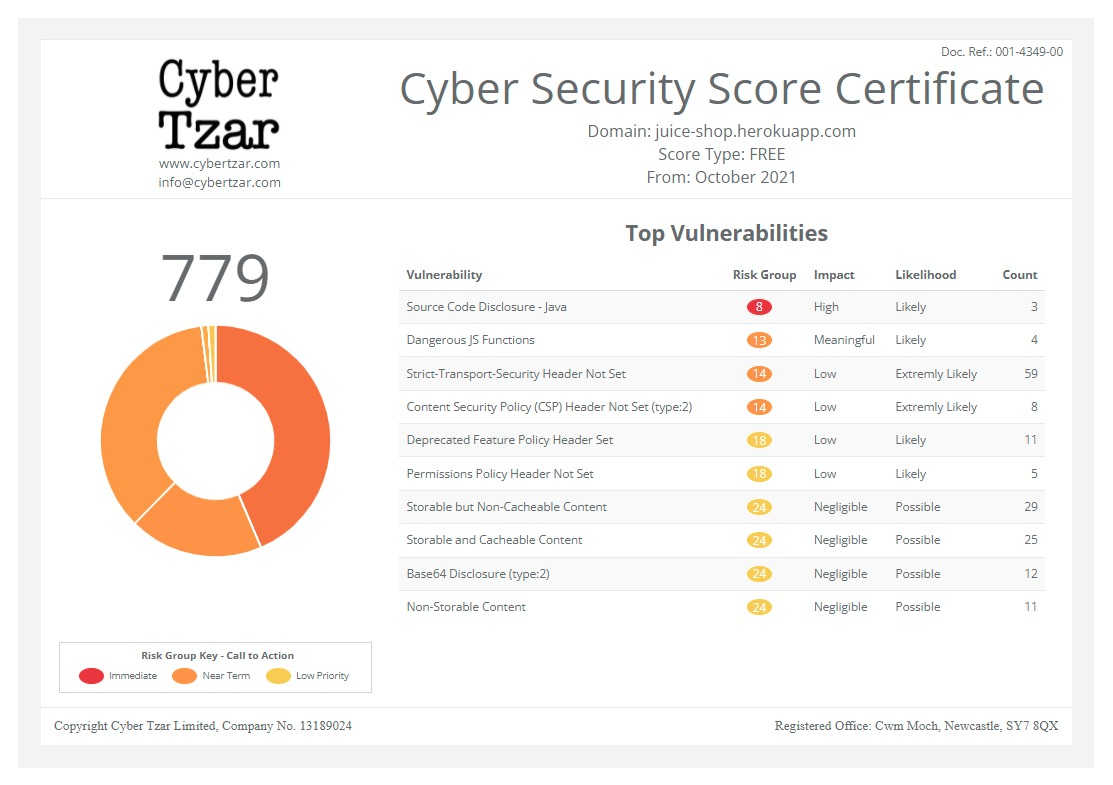
First slide label
Some representative placeholder content for the first slide.
Second slide label
Some representative placeholder content for the second slide.
Third slide label
Some representative placeholder content for the third slide.
Auditing Electron Fuses with REA
published on 2026-10-20 06:47:18 UTC by MayureshContent:
Over the weekend, a reverse-engineering MCP – REA, short for Reverse Engineer Anything was all over my X/Twitter timeline. I wanted to quickly try all that was claimed So, I audited apps installed on my test machine – chat, notes, code editors, password managers. Most of them ended up being Electron applications and Electron ships with build-time switches called fuses. These have a capability to run any JavaScript under the security context of the Node.js process. I then remembered a lot of CVEs affecting this technology were mitigated in the recent past.
So, I thought of using REA to read fuses straight out of the app binaries without launching them and also wrote detections for this weakness in this post.
What are Electron Fuses?
Fuses are bytes baked into the Electron binary at packaging time. dL7pKGdnNz796PbbjQWNKmHXBZaB9tsX is a hardcoded sentinel string used by the Electron Framework to locate and configure Electron Fuses inside a compiled binary. It’s values – dL7pKGdnNz796PbbjQWNKmHXBZaB9tsX: 1 is on, 0 is off, r is removed (Electron docs) – dictate if the binary will be secure or not.
These are the values and their default states:
| Fuse | Electron default | Issue if left on |
|---|---|---|
RunAsNode | Enabled | ELECTRON_RUN_AS_NODE=1 SignedApp.exe evil.js runs evil.js as plain Node under the app’s signature |
EnableNodeCliInspectArguments | Enabled | --inspect=9229 opens a debugger port; anything that connects can run code in the main process |
EnableEmbeddedAsarIntegrityValidation | Disabled | Edit app.asar and the app runs your code next launch; worst when the app lives in a user-writable folder |
EnableNodeOptionsEnvironmentVariable | Enabled | Lower risk than it looks: Electron ignores NODE_OPTIONS in packaged apps except two harmless flags. The fuse also governs NODE_EXTRA_CA_CERTS, which in principle adds a trusted CA for the app’s Node-side TLS. In my test, plain Node read the variable on its first HTTPS request (it warned when I pointed it at a missing file), but VS Code, Cursor and G HUB never opened the cert file in Process Monitor. Most Electron networking goes through Chromium, which ignores this variable. Treat it as unproven |
OnlyLoadAppFromAsar | Disabled | Electron normally looks for app.asar, then an app folder, then default_app.asar. If an attacker can delete or rename app.asar, a planted app folder loads instead, unless this fuse is on |
MITRE tracks this as T1218.015, Electron Applications. MITRE’s page talks about Chromium flags like --gpu-launcher and about modified app.asar files; it never names ELECTRON_RUN_AS_NODE or --inspect. So as you can see, this is not a new technique, and it isn’t remote code execution. Electron said so in its February 2024 statement on runAsNode CVEs: an attacker must already be able to run commands on the machine, and the risk is that a trusted app becomes their cover. Threat actors have also exploited this technique in the past such as 3CX supply-chain attack (C0057) and Lumma Stealer (S1213).
My analysis using REA found that real applications on a normal Windows box are still vulnerable.
Audit your own laptop with REA
First things first, install REA (needs Node.js 22.19+, 24.11+ or 26+):
npm install --global rea-agents
rea --version
One command line option reads the fuses: rea inspect-electron-fuses <path>. All it does is read bytes from the file and it never launches the application. So this is safe to run on anything you have installed. All you need to do now is point it to an app. REA supports macOS .app bundles, the Electron Framework binary, a Windows PE or a Linux ELF.
But the question is now to find exclusive Electron applications on your laptop. These are simple one-liners, scripts on Microsoft Windows/Linux/Apple MacOS to find such applications:
# macOS: loop over every app that bundles Electron
for app in /Applications/*.app; do
  [ -d "$app/Contents/Frameworks/Electron Framework.framework" ] || continue
  echo "== $app"
  rea inspect-electron-fuses "$app" --format json \
    --filter-output normalized_result.slices
done
# Linux: typical install paths
rea inspect-electron-fuses /usr/share/code/code --format json
rea inspect-electron-fuses /opt/Obsidian/obsidian --format jsonMicrosoft Windows (PowerShell):
# Windows: finds packed (app.asar) and unpacked (resources\app) Electron apps,
# versioned layouts like VS Code's, and Microsoft Store (MSIX) installs.
$roots = @($env:ProgramFiles, ${env:ProgramFiles(x86)}, $env:LOCALAPPDATA, $env:APPDATA) |
  Where-Object { $_ -and (Test-Path -LiteralPath $_) }

function Test-ElectronResources([string]$dir) {
  (Test-Path -LiteralPath (Join-Path $dir 'app.asar')) -or
  (Test-Path -LiteralPath (Join-Path $dir 'app\package.json'))
}

# 1. Folder installs: exe sits next to resources\ or one level up (VS Code)
$found = foreach ($r in $roots) {
  Get-ChildItem -LiteralPath $r -Directory -Recurse -Depth 6 -Filter resources -ErrorAction SilentlyContinue |
    Where-Object { Test-ElectronResources $_.FullName } | ForEach-Object {
      $exe = Get-ChildItem -LiteralPath $_.Parent.FullName -Filter *.exe -File -ErrorAction SilentlyContinue
      if (-not $exe -and $_.Parent.Parent) {
        $exe = Get-ChildItem -LiteralPath $_.Parent.Parent.FullName -Filter *.exe -File -ErrorAction SilentlyContinue
      }
      $exe | Sort-Object Length -Descending | Select-Object -First 1
    }
}

# 2. Store installs: WindowsApps hides them from a folder scan; read each manifest
$found += foreach ($p in Get-AppxPackage) {
  $mf = Join-Path $p.InstallLocation 'AppxManifest.xml'
  if (-not (Test-Path -LiteralPath $mf)) { continue }
  $res = Get-ChildItem -LiteralPath $p.InstallLocation -Directory -Recurse -Depth 3 -Filter resources -ErrorAction SilentlyContinue |
    Where-Object { Test-ElectronResources $_.FullName }
  if (-not $res) { continue }
  foreach ($a in ([xml](Get-Content -LiteralPath $mf)).Package.Applications.Application) {
    Get-Item -LiteralPath (Join-Path $p.InstallLocation $a.Executable) -ErrorAction SilentlyContinue
  }
}

$apps = @($found | Where-Object { $_ } | Sort-Object FullName -Unique)
if ($apps.Count -eq 0) {
  Write-Warning 'No Electron apps found.'
} else {
  foreach ($a in $apps) {
    "== $($a.FullName)"
    rea inspect-electron-fuses "$($a.FullName)" --format json
  }
}
Ensure that you run as an Administrator. REA’s fuse reader runs fine on a Windows host. I ran it directly on Windows 11 against installed apps and I used REA 6.7.0. For testing purposes, I built a test binary with the four risky defaults left on and ran REA. This is output:
"fuses": [
  {"index": 0, "name": "RunAsNode", "state": "enabled"},
  {"index": 2, "name": "EnableNodeOptionsEnvironmentVariable", "state": "enabled"},
  {"index": 3, "name": "EnableNodeCliInspectArguments", "state": "enabled"},
  {"index": 5, "name": "OnlyLoadAppFromAsar", "state": "disabled"}
],
"runtime_implications": [
  {"subject": "electron_run_as_node", "outcome": "honored"},
  {"subject": "node_cli_inspect_arguments", "outcome": "honored"},
  {"subject": "only_load_app_from_asar", "outcome": "not_restricted_to_app_asar"}
]
REA audit results
I used the PowerShell above to audit my laptop and found six usual suspects – VS Code, 1Password, Obsidian, etc. Two are exposed, one is fully hardened, three sit in between. The two exposed apps are code editors – VS Code and its fork Cursor honor ELECTRON_RUN_AS_NODE and --inspect, from user-writable folders, with no app.asar checks. 1Password turns on app.asar integrity checks, which shows it can be done. Notion and 1Password came from the Microsoft Store, so they live in the locked WindowsApps folder; I found their exes through each package’s AppxManifest.xml. These are the details:
| App | Install path | Wire | RunAsNode | Inspect args | NodeOptions | Only-ASAR | ASAR integrity | Verdict |
|---|---|---|---|---|---|---|---|---|
| VS Code | AppData\Local\Programs (user-writable) | v1, 9 fuses | on | on | on | off | off | Exposed: proxy execution and debugger attach under Microsoft’s signature |
| Cursor | AppData\Local\Programs (user-writable) | v1, 9 fuses | on | on | on | off | off | Exposed: proxy execution and debugger attach under Cursor’s signature |
| Obsidian | AppData\Local\Programs (user-writable) | v1, 9 fuses | off | off | off | off | off | Partly: user-level app.asar tamper |
| Notion 7.39.0 | WindowsApps (Store, admin to write) | v1, 9 fuses | off | off | off | on | off | Partly: tamper needs administrative privileges |
Logitech G HUB (lghub.exe) | Program Files (admin) | v1, 8 fuses | off | off | on | on | off | Partly: tamper needs administrative privileges |
| 1Password 8.12.40 | WindowsApps (Store, admin to write) | v1, 9 fuses | off | off | off | on | on | Hardened |
LG HUB’s wire has 8 fuses, Obsidian’s has 9. This means that LG HUB ships with an older Electron version. lghub_agent.exe has no sentinel at all. REA reports that as unknown. My test scores:
- Exposed if RunAsNode or Inspect args is on.
- Partly if those are off but
app.asarisn’t integrity-checked; note whether the install folder is user-writable, because that decides who can tamper. - Hardened if all fuses are turned off.
REA aided findings
These are the individual score cards:
VS Code
- RunAsNode on
- Inspect args on
- ASAR integrity off
- Only-ASAR off
- NodeOptions on (packaged apps ignore NODE_OPTIONS)
- Installed in a user-writable folder
Exposed
Any process running as the user can run Node code as Code.exe or attach a debugger. The code command needs RunAsNode, so Microsoft can't flip the fuse without a new launcher.
Proxy execution under Microsoft's signature
Cursor
- RunAsNode on
- Inspect args on
- ASAR integrity off
- Only-ASAR off
- NodeOptions on (packaged apps ignore NODE_OPTIONS)
- Installed in a user-writable folder
Exposed
Same exposure as VS Code, for the same reason: the cursor command needs RunAsNode.
Proxy execution under Cursor's signature
Obsidian
- RunAsNode off
- Inspect args off
- NodeOptions off
- ASAR integrity off
- Only-ASAR off
- Installed in a user-writable folder
Partly hardened
No environment-variable or debug-flag abuse. Any process running as the user can edit app.asar and Obsidian runs it on next launch.
User-level app.asar tamper
Notion 7.39.0
- RunAsNode off
- Inspect args off
- NodeOptions off
- Only-ASAR on
- ASAR integrity off
- Microsoft Store install, administrative privileges needed to write
Partly hardened
Only an admin can change its files, and nothing checks them if one does.
Tamper needs administrative privileges
Logitech G HUB
- RunAsNode off
- Inspect args off
- Only-ASAR on
- ASAR integrity off
- NodeOptions on (packaged apps ignore NODE_OPTIONS)
- Program Files install, admin needed to write
Partly hardened
Older Electron with 8 fuses. Same position as Notion: administrative privileges to tamper, no integrity check after.
Tamper needs administrative privileges
1Password 8.12.40
- RunAsNode off
- Inspect args off
- NodeOptions off
- Only-ASAR on
- ASAR integrity on
- Microsoft Store install, administrative privileges needed to write
Hardened
The only app tested with app.asar integrity checks on. Proof the fix is available to every vendor.
Every risky fuse turned off
Electron execution detections
Make sure to use the fuse audit to scope the rules and only alert on apps your scorecard marked Exposed. SigmaHQ already covers the Chromium flag path (--gpu-launcher, --renderer-cmd-prefix and friends) in Potentially Suspicious Electron Application CommandLine. Deploy that one as is. VS Code depends on RunAsNode by design as its code command, bin\code.cmd, sets the variable and hands cli.js to Code.exe:
@echo off
setlocal
set VSCODE_DEV=
set ELECTRON_RUN_AS_NODE=1
"%~dp0..\Code.exe" "%~dp0..\6d62b1d5da\resources\app\out\cli.js" %*
IF %ERRORLEVEL% NEQ 0 EXIT /b %ERRORLEVEL%
endlocal
Cursor does the same thing. Its resources\app\bin\cursor.cmd sets ELECTRON_RUN_AS_NODE=1 and runs "%~dp0..\..\..\Cursor.exe" "%~dp0..\out\cli.js". Windows doesn’t clean up the .. segments in a command line, so Cursor’s launch shows up as ...\cursor\resources\app\bin\..\out\cli.js. Rule 1 has a separate filter for this exact string.
The three rules from my library cover what the fuses control.
- Electron app launched with a script argument – electron-app-with-script.yml
- Electron app started with inspector or remote debugging – electron-app-inspector.yml
- app.asar written by something other than an updater – app.asar-written.yml
The obvious next step is rea analyze-javascript-application on an Exposed app’s code, to list its IPC handlers and preload bridges and see what an attacker running inside the app could reach. Point it at resources\app.asar, or at the unpacked resources\app folder for VS Code and Cursor.
For this job REA is a good fuse reader with better honesty than its alternatives, but you don’t need an AI agent to read nine bytes.
https://pentestit.com/auditing-electron-fuses-with-rea/
Published: 2026 10 20 06:47:18
Received: 2026 11 18 03:27:17
Feed: PenTestIT
Source: PenTestIT
Category: News
Topic: Security Tooling
Views: 2
